
Square
Square payouts and daily volume on each merchant record
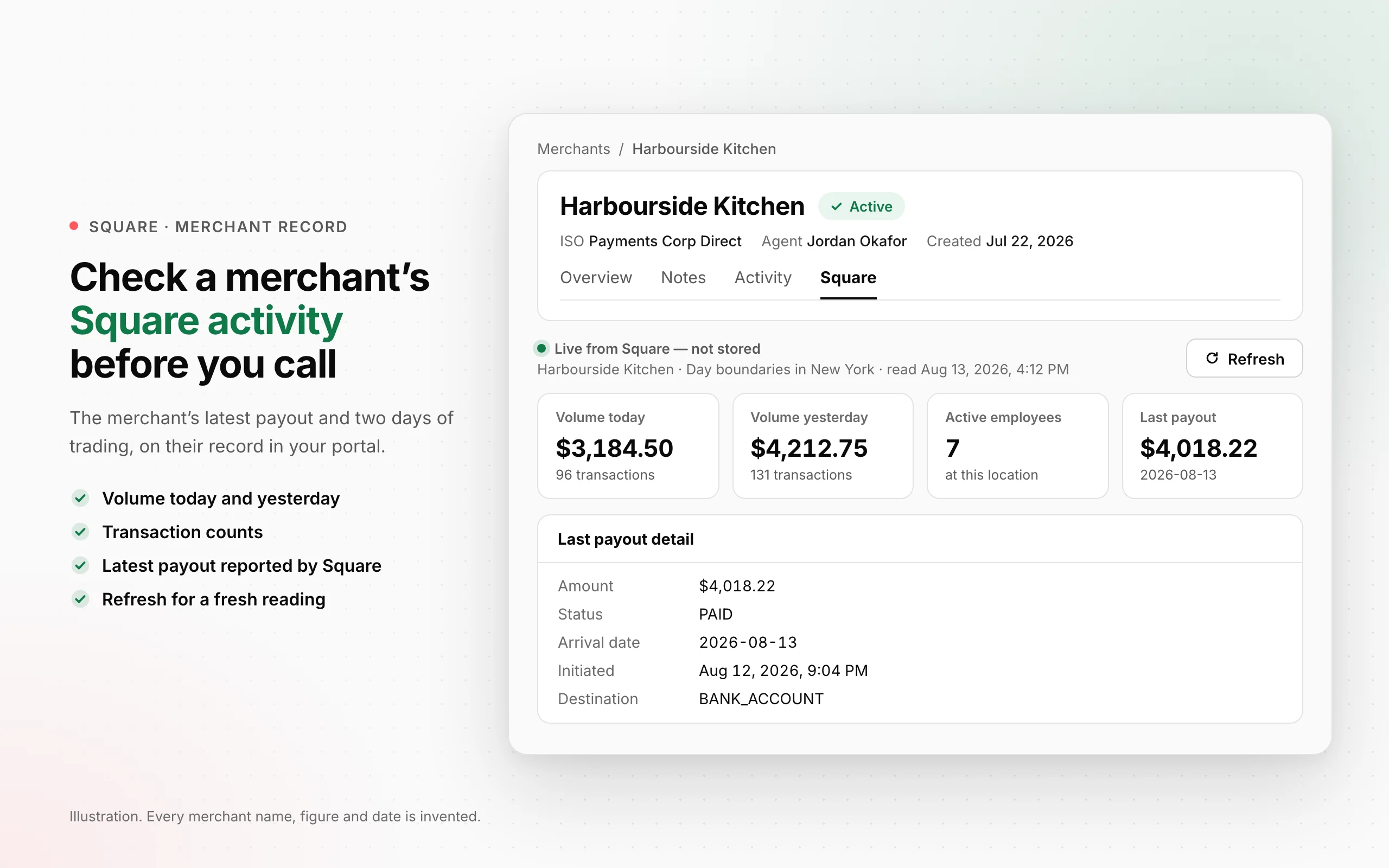
Open a merchant's Square tab to see their latest payout, today's and yesterday's processing volume, and transaction counts — so the conversation starts with what you can see on your own screen.
- Two days of trading, side by side. See gross processing volume and payment counts for today and yesterday. The day follows the Square location's timezone, so a merchant's evening payments do not become tomorrow's figures just because a server is elsewhere.
- The latest payout, on the same screen. Check the latest payout reported by Square alongside the merchant's payment activity. You have something concrete to refer to when a merchant calls about their money.
- A fresh reading when you need one. Refresh the tab to request another reading from Square. You do not have to wait for a scheduled report to check whether the figures have changed.
- Active team members, counted. See the active team-member count Square returns for the location. It gives you another piece of the merchant's setup to check during a conversation.
 Open full size
Where to find itPortal → Merchants → select a merchant → Square. Available for merchants within your existing access scope; readings require the merchant's Square connection to OrderOut.
What this does not do yet
- This release covers today and yesterday for the linked Square location. It does not provide a monthly portfolio report or combine every location a merchant operates.
- Processing volume is gross payment activity, not your residual or commission. A payout reported by Square is not confirmation that the merchant's bank has received it.
- An unavailable reading is not a measured zero. Missing access, a failed request or an incomplete payment fetch can leave a figure unavailable or partial.
All releases·All help guides·reseller@orderout.co
New to OrderOut? Request access — or read what the reseller program involves.