
Onboarding
One link, two countries: US and Canadian merchants
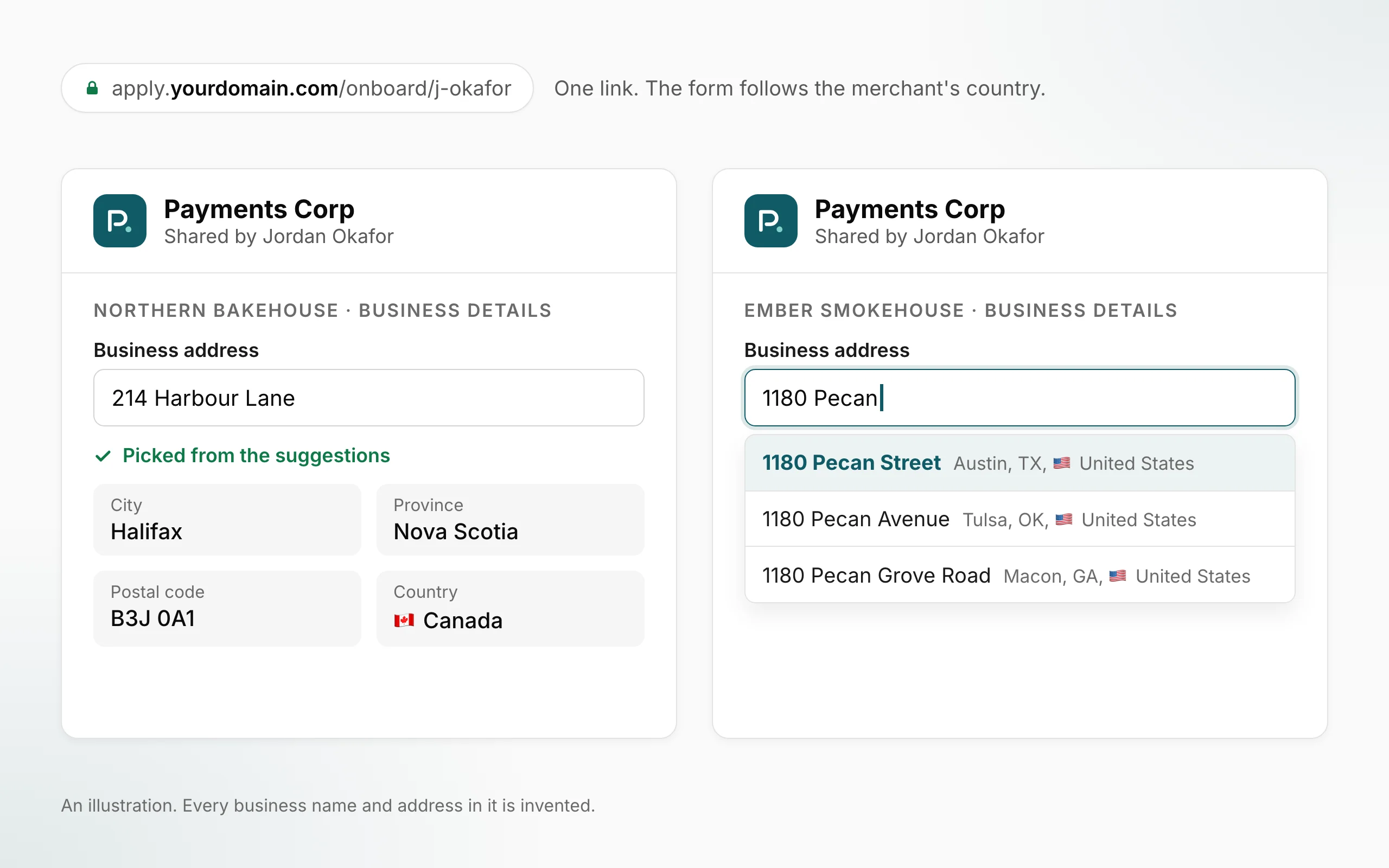
Your onboarding links can now sign up merchants in Canada as well as the United States. The merchant picks their business address and the form follows their country.
 Open full size
- Canadian merchants, from the links you already share. On a link whose programs cover Canada, a merchant in Canada opens it, picks their address, and the form asks only what applies in Canada. There is no new link to create.
- A shorter form in Canada. Canadian businesses aren't asked for a US EIN, the US owner-identity details or the hardware step.
- Every address is picked from Google. In both countries the merchant chooses their business address from Google's suggestions. If Google can't find it, the form asks them to check the spelling or to ask the person who sent them the link for help.
- A US-only link says so up front. When a link's program covers businesses in the United States only, the form says so under the address field, before the merchant goes further.
Where to find itPortal → Onboarding Links, for the links inside your own scope as an ISO, sub-ISO or agent. Nothing to switch on.
What this does not do yet
- Not every program covers Canada. A link works in Canada only when every program on it does. The form tells the merchant when a link is for businesses in the United States only.
- Square's prices in Canada are different from the United States, and Canadian hardware is sold on Square's Canadian site.
- Only businesses in the United States and Canada can sign up. Other countries aren't open.
- There's no way to type an address by hand. If Google can't find it, the merchant can't submit until the person who sent the link helps.
All releases·All help guides·reseller@orderout.co
New to OrderOut? Request access — or read what the reseller program involves.