
Add an agent in the OrderOut Reseller Portal
Each agent in your office gets their own OrderOut Reseller Portal login.
Steps
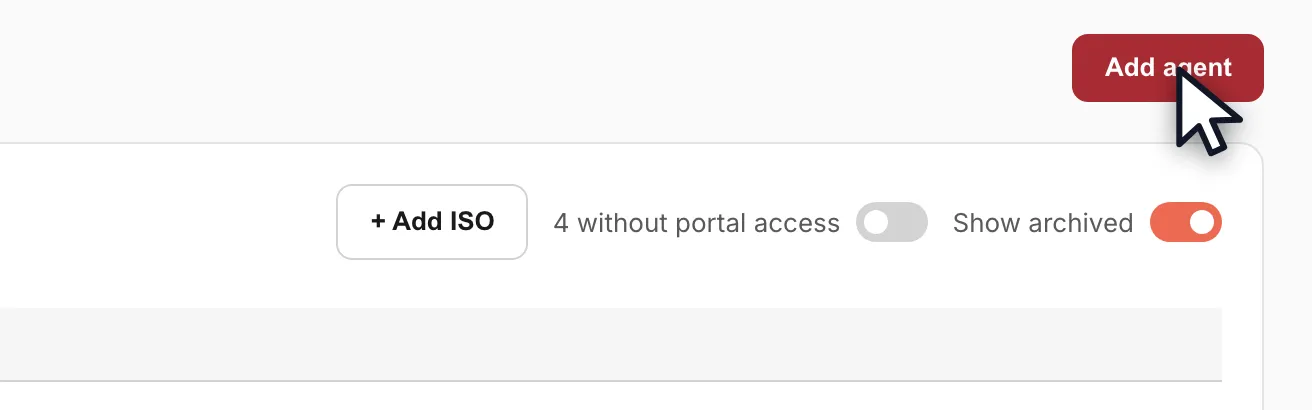
- Open ISOs & Agents and click Add agent in the top right.Open full size ↗
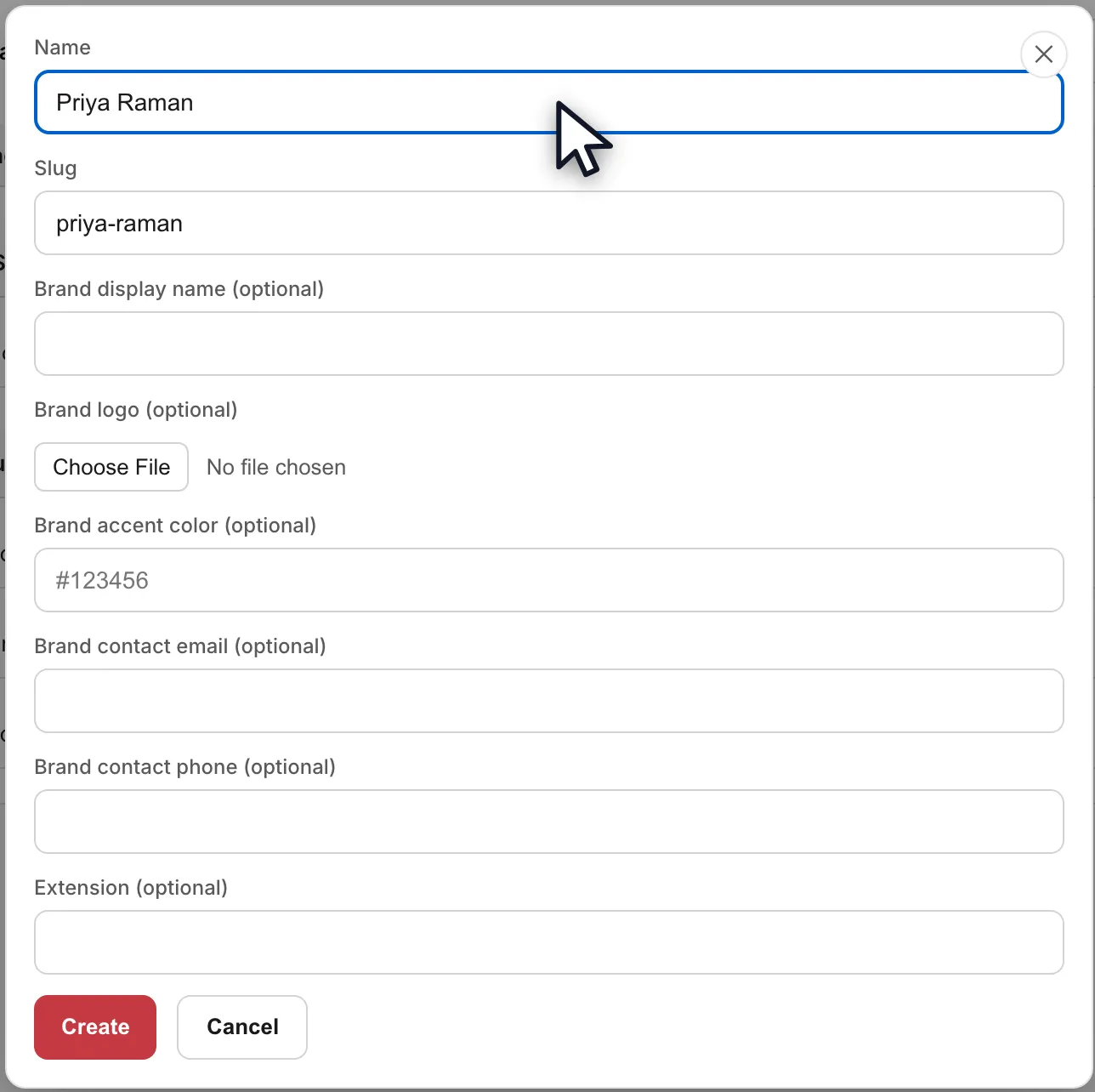
- Give the agent a name — the slug fills itself in — then click Create. Repeat once for every agent in the office.Open full size ↗
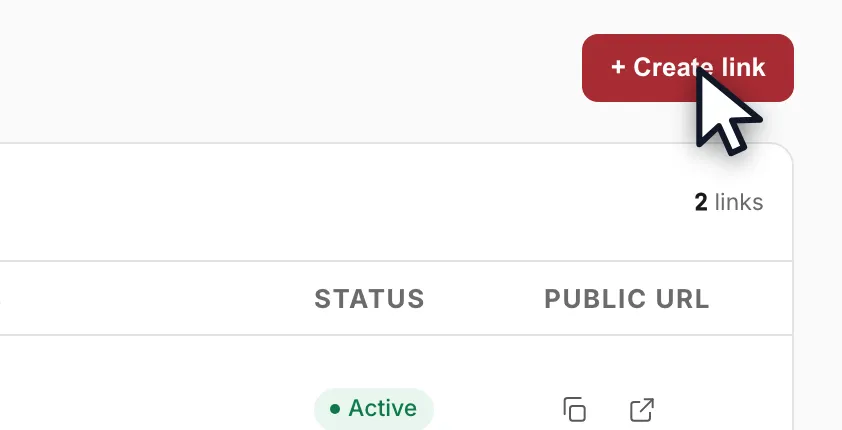
- Open Onboarding Links and click Create link.Open full size ↗
- Pick the products, choose the ISO, then attribute the link to your agent. Every merchant who signs up through that link, and the residuals that follow, is credited to that agent automatically.Open full size ↗
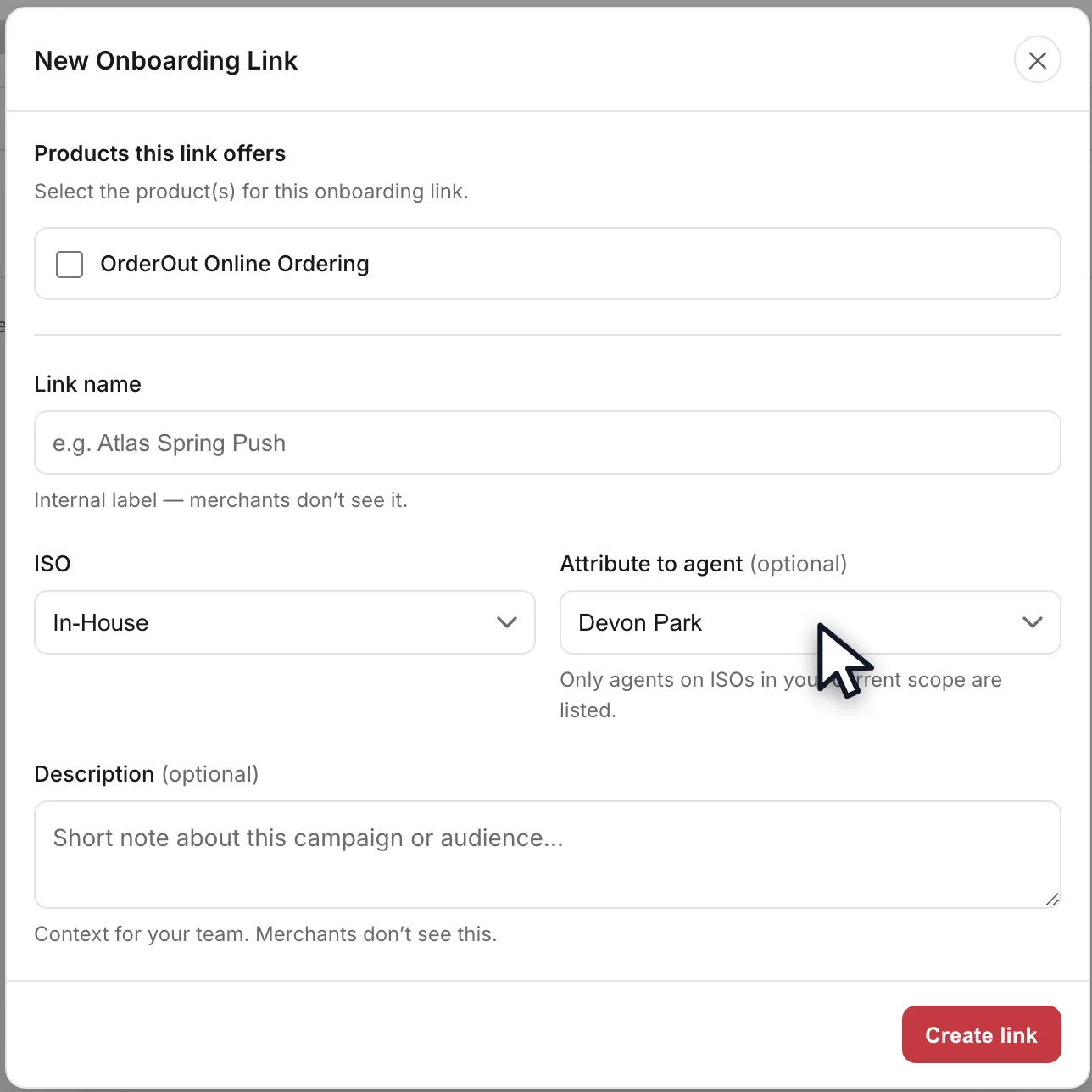
- Attribute deals you want to keep as house accounts to the ISO itself, not to an agent.
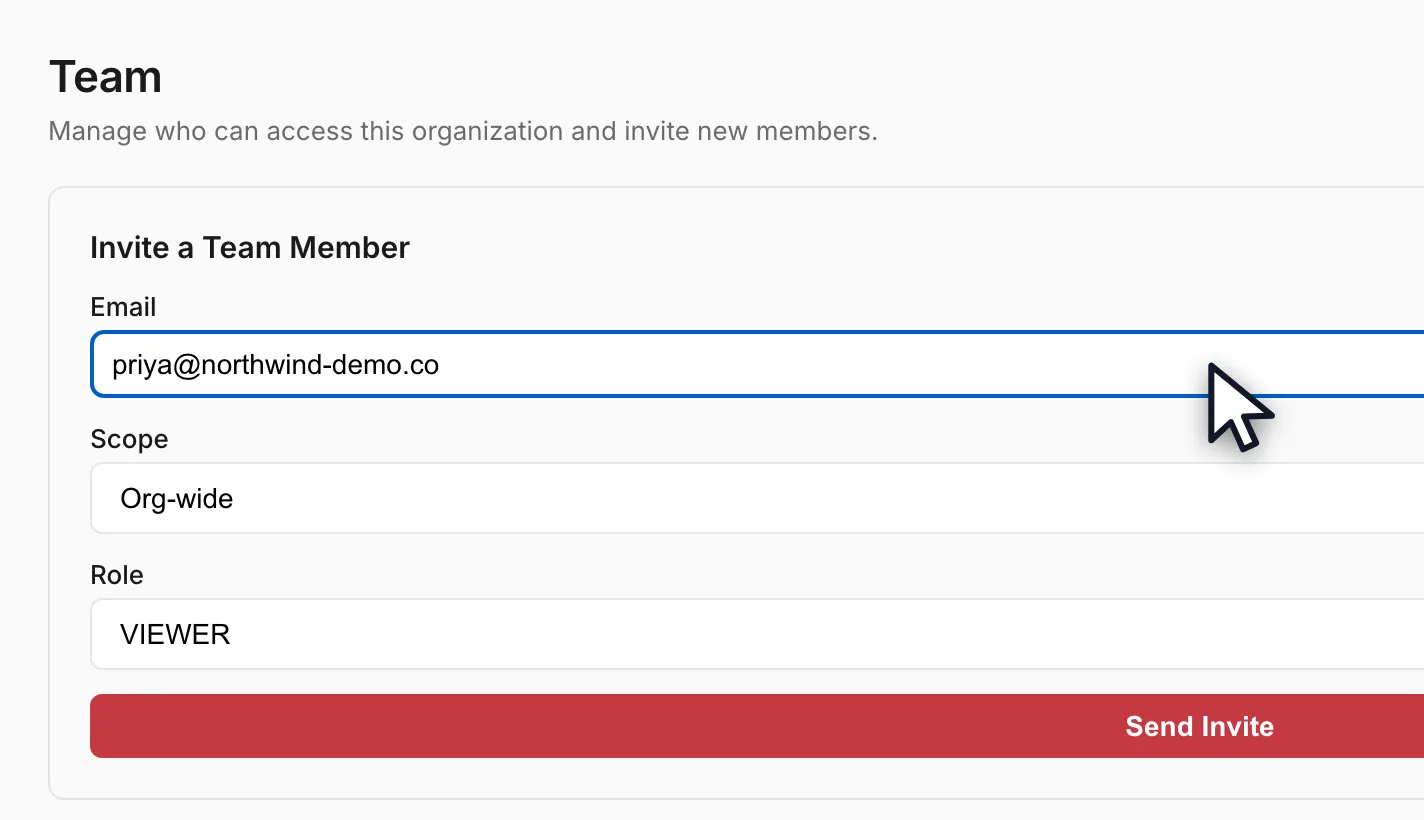
- Open the Team page and invite the agent by email, choosing the scope and role you want them to have. Sending the invite gives them their own portal login.Open full size ↗
Worth knowing
- Adding an agent on ISOs & Agents creates the attribution record only — it does not create a login. The Team invite is what creates the login.
- To let a team member see only their own agent's applications, restrict their membership to that agent when you invite or edit them.
In the video
Questions resellers ask about this
How do I add agents or sub-ISOs to the portal and attribute deals to them (or to the house)?
Add agents from the ISOs page in the reseller portal: click the Add agent button in the top right, or open the three-dots menu on an ISO row (for example your In-House ISO) and choose Add agent. Then create a unique onboarding link for each agent from the Links page — choose the Square pricing for the link and select that agent. Merchants who sign up through an agent's link, and the corresponding residuals, are attributed to that agent automatically. Deals you want to keep as house accounts can be attributed to the ISO itself.
Source: OrderOut (official)
Full transcript0:58
0:00Add the agent
Each agent in your office gets their own OrderOut Reseller Portal login.
You'll need org-admin access, and we're starting on the ISOs and Agents page.
Click Add agent, in the top right.
Give the agent a name. The slug fills itself in. Then click Create, and repeat that once for every agent in the office.
0:24Create their onboarding link
Now open Onboarding Links, and click Create link.
Pick the products, choose the ISO, then attribute the link to your agent.
Every merchant who signs up through that link, and the residuals that follow, is credited to that agent automatically. Deals you keep as house accounts, you attribute to the ISO itself.
0:47Invite them to the Team
Last, open the Team page and invite the agent by email.
Choose the scope and the role you want them to have.
Send the invite, and your agent gets their own portal login.
Answers on this page come from the OrderOut reseller answer ledger (2026-10-09.1). Still stuck? Email reseller@orderout.co.·All guides